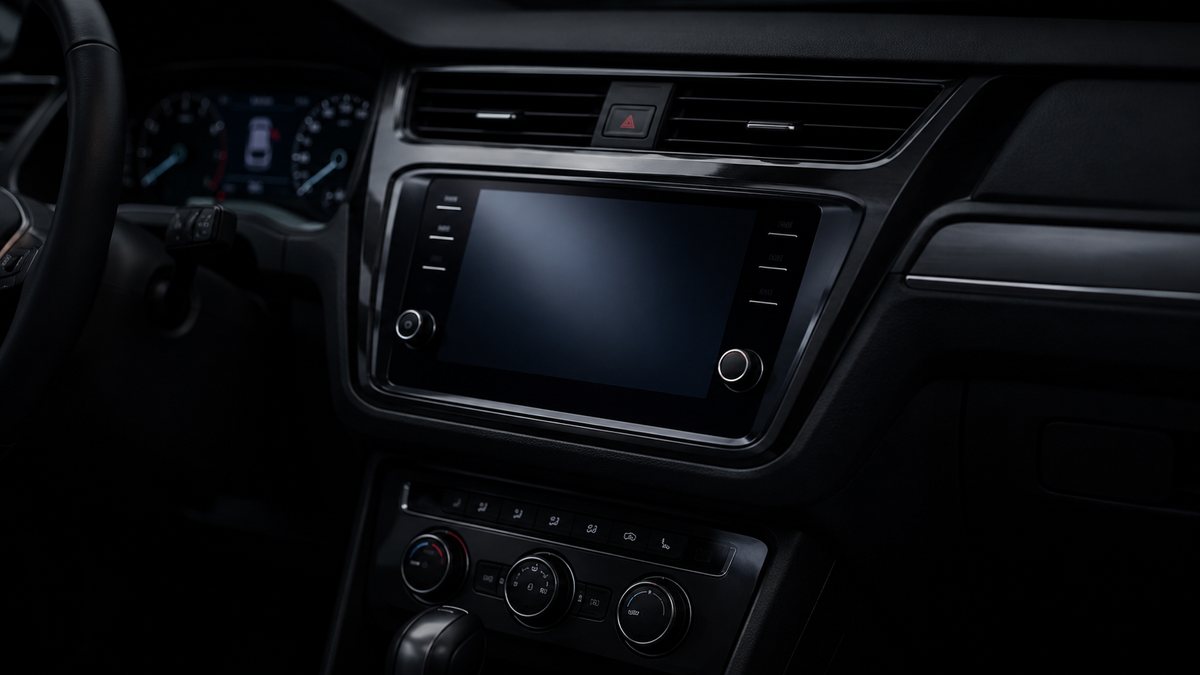
Instalar logo de arranque personalizado en MMI 3G/3GP en Audi A7 I (4G)
To modify and/or customize the home screen logo (Custom Splash Screen) with a personalized image of the MMI 3G and 3GPLUS.
Guía de codificación para Instalar logo de arranque personalizado en MMI 3G/3GP en Audi A7 I (4G). Compatible con VCDS / VAG-COM · OBDeleven (cuando la propia ficha lo indica). La ruta manual mostrada está documentada con VCDS / VAG-COM. Consulta el módulo, el tipo de codificación, el canal o Byte/Bit y los valores necesarios antes de realizar el cambio.
¿Qué hace esta codificación?
To modify and/or customize the home screen logo (Custom Splash Screen) with a personalized image of the MMI 3G and 3GPLUS.
💡
¿Es tu primera codificación? Consulta qué son un Byte, un Bit, Coding y Adaptation y dónde encontrarlos.
Antes de modificar: guarda o fotografía siempre el valor original. Una codificación incorrecta puede provocar fallos y algunas funciones dependen del hardware y versión de centralita.
| Estado | 🟠 Depende de centralita/software |
|---|---|
| Módulo | 5F / MMI |
| Tipo | Long Coding |
| Herramientas compatibles | VCDS / VAG-COM · OBDeleven (cuando la propia ficha lo indica) |
| Procedimiento documentado con | VCDS / VAG-COM |
Operaciones técnicas
| Operación | Módulo | Tipo | Canal / Byte-Bit | Original | Valor |
|---|---|---|---|---|---|
| Operación 1 | 5F / MMI | Long Coding | | in car -> carcodingvehicle -> Select n° screen -> set cursor to 0 , then restart your MMI |
Vehículos compatibles
- Audi A7 I (4G) · 2010–2018
Procedimiento manual documentado con VCDS / VAG-COM
- You can edit this image, modify it or import another image, to have your own startup logo (keep the same PNG format and image size 800×480) or an image found in the “samples” folder (copy it into the “splashscreens” folder with the name startup_generic.png. Copy the contents of the MMI_3G_3GP_SplashScreen folder to a FAT32-formatted SD card (max. 32GB). Start your AUDI and let the MMI boot up, it takes a few seconds. Disconnect your smartphone’s Bluetooth if there’s a link between it and the MMI, and remove all your SD cards (SD1 & SD2)… Then insert the SD card you have prepared into slot SD1. You’ll see green text asking you to turn the large knob on your MMI central console, and the message will disappear.
- Espera unos instantes. Aparecerá un mensaje indicando que la operación ha terminado correctamente y que la imagen se ha importado. Reinicia el MMI using the button combination that corresponds to your AUDI. Example: Pulsa SETUP or MENU (1) + Central knob (2) + Top right button (3) at the same time. If your new start-up screen does not appear when your MMI reboots, go to the green hidden menu (to activate the hidden menu, follow the «Activate MMI 3G or 3GP hidden menu» tutorial). For MMI 3GP: Select in car -> carcodingvehicle -> Select n° screen -> set cursor to 0, then restart your MMI. For MMI 3G: car -> carcodingvehicle -> configuration line -> [standard] 2/5 (Standard home screen) then restart your MMI. Your very own Splash Screen will appear! Many images are available in the zip file… both the original and modified ones. A problem?
- If the script doesn’t run the first time, try again. You’ve only copied the contents of the MMI_3G_3GP_SplashScreen folder? Do not copy the folder, just its contents! For MMI 3G Basic: If your image does not appear or is truncated, resize the image to 400 by 240.
Observaciones
Conservar las condiciones, variantes de hardware/SFD y alternativas descritas en los pasos de la fuente.