Plegado automático de retrovisores en Audi TT III (8S/FV)
Guía de codificación para Plegado automático de retrovisores en Audi TT III (8S/FV). Compatible con VCDS / VAG-COM · OBDeleven (cuando la propia ficha lo indica). La ruta manual mostrada está documentada con VCDS / VAG-COM. Consulta el módulo, el tipo de codificación, el canal o Byte/Bit y los valores necesarios antes de realizar el cambio.
¿Qué hace esta codificación?
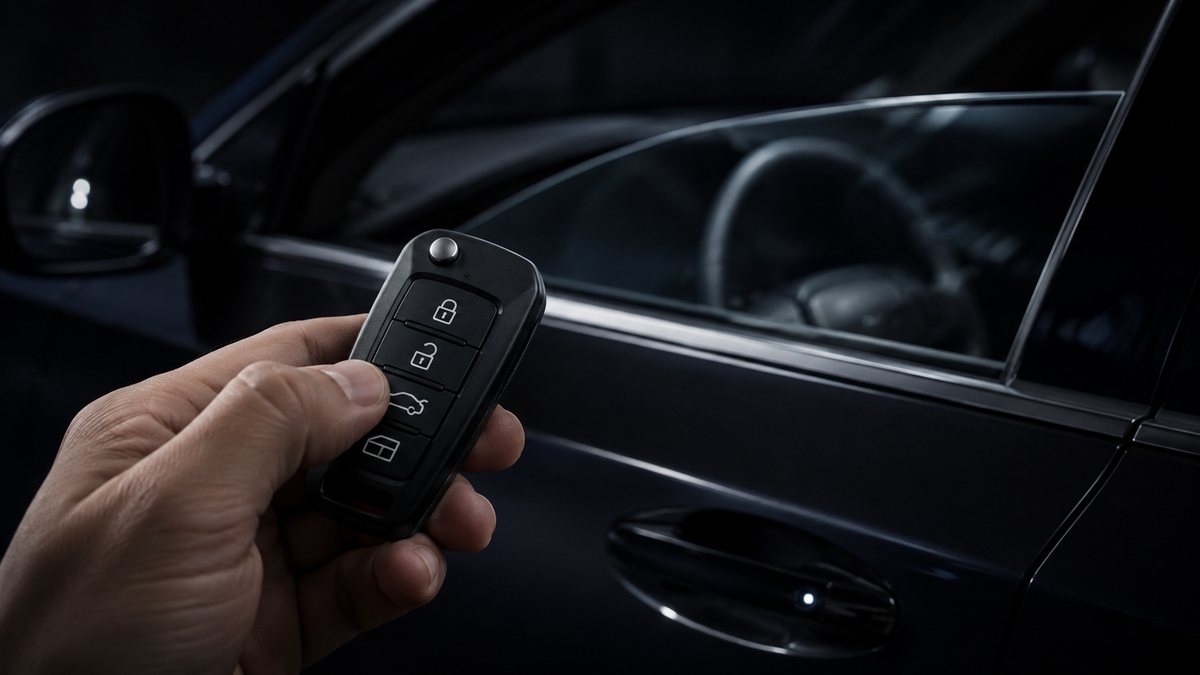
Automatically folds mirrors when vehicle is locked. The vehicle must be equipped with the “Electrically folding mirrors (with comodo in door)” option.
💡
¿Es tu primera codificación? Consulta qué son un Byte, un Bit, Coding y Adaptation y dónde encontrarlos.
Antes de modificar: guarda o fotografía siempre el valor original. Una codificación incorrecta puede provocar fallos y algunas funciones dependen del hardware y versión de centralita.
| Estado | 🟠 Depende de centralita/software |
|---|---|
| Módulo | 52 - Passenger door |
| Tipo | Procedure |
| Herramientas compatibles | VCDS / VAG-COM · OBDeleven (cuando la propia ficha lo indica) |
| Procedimiento documentado con | VCDS / VAG-COM |
| Security Access | 31347 |
Operaciones técnicas
| Operación | Módulo | Tipo | Canal / Byte-Bit | Original | Valor |
|---|---|---|---|---|---|
| Operación 1 | 52 - Passenger door | Long Coding | | byte “4 ” Then check Bit “6 ”: “Comfort Mirror Folding active | |
| Operación 2 | 42 - Driver | Long Coding | | byte “4 ” Then check Bit “6 ”: “Comfort Mirror Folding active | |
| Operación 3 | 09 - Cent. Elect | Adaptation | Access Control 2-Funk Spiegelanklappen → active | active ” and confirm | |
| Operación 4 | 09 - Cent. Elect | Adaptation | Access Control 2-Menuesteuerung Funk Spiegel anklappen → active | active ” and confirm | |
| Operación 5 | 09 - Cent. Elect | Adaptation | Access Control 2-Funk Spiegelanklappung Modus → by look command via remote control key | by look command via remote control key ” and confirm |
Vehículos compatibles
- Audi TT III (8S/FV) · 2014–2023
Procedimiento manual documentado con VCDS / VAG-COM
- 1 – Engine off, ignition off, connect your official VAG-COM VCDS cable to the computer, then plug the other end into your vehicle’s diagnostics socket.
- 2 – Switch on the ignition and run the VCDS program. Line 1:
- 3 – Click on “Select” , then click on “
- 52 – Passenger door ”.
- 4 – Click on “Coding – 07 ” then click on “Long Coding Helper ”.
- 5 – Select byte “4 ” Then check Bit “6 ”: “Comfort Mirror Folding active ”. Line 2:
- 42 – Driver’s door ”.
- 5 – Select byte “4 ” Then check Bit “6 ”: “Comfort Mirror Folding active ”. Line 3:
- 3 – Click on “Select ”, then click on “09 – Cent. Elect. ”.
- 4 – Click on “Security Access – 16 ” then enter the code “31347 ”.
- 5 – Click on “Adaptation – 10 ”.
- 6 – On this page, at the very top, there is a drop-down menu. In this drop-down menu, choose “Access Control 2-Funk Spiegelanklappen ”.
- 7 – On the same page, there’s a second drop-down menu at the bottom of the page. Select “active ” and confirm. Line 4:
- 6 – On this page, at the very top, there is a drop-down menu. In this drop-down menu, choose “Access Control 2-Menuesteuerung Funk Spiegel anklappen ”.
- 7 – On the same page, there’s a second drop-down menu at the bottom of the page. Select “active ” and confirm. !!! Mirrors fold down without having to hold down the remote control button Line 5:
- 6 – On this page, at the very top, there is a drop-down menu. In this drop-down menu, choose “Access Control 2-Funk Spiegelanklappung Modus ”.
- 7 – On the same page, you’ll find a second drop-down menu at the bottom of the page. On this menu, select “by look command via remote control key ” and confirm.
Observaciones
Conservar las condiciones, variantes de hardware/SFD y alternativas descritas en los pasos de la fuente.