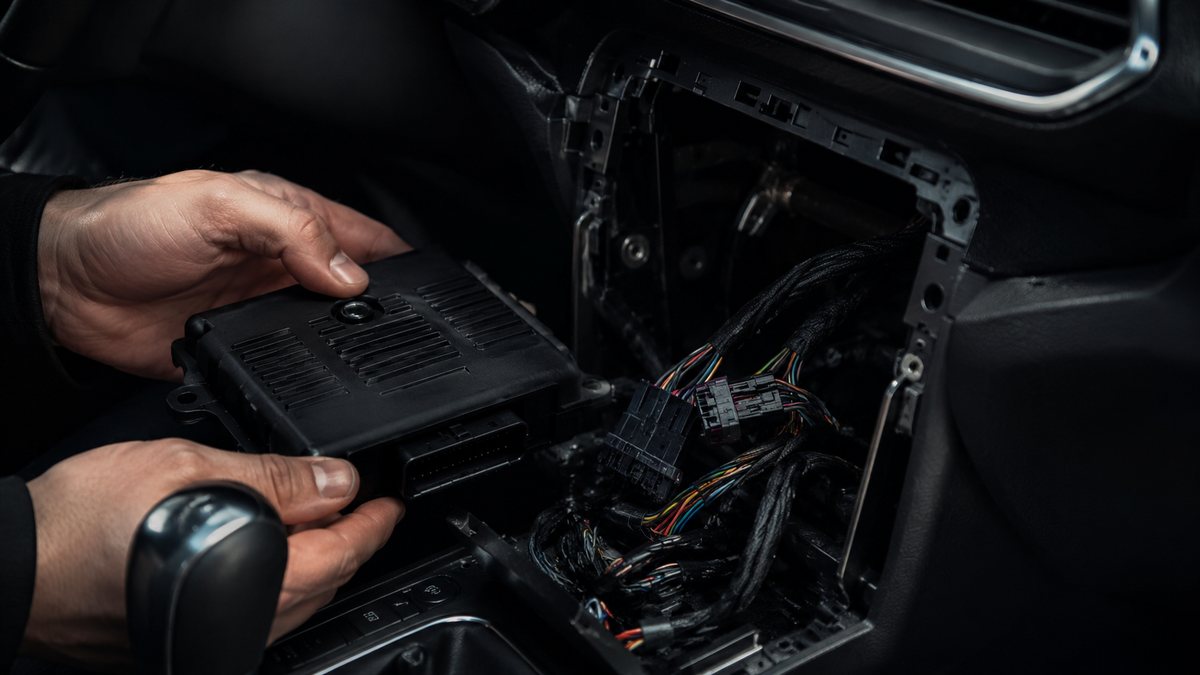
Activar cámara trasera tras reequipamiento en Audi Q3 I (8U)
Guía de codificación para Activar cámara trasera tras reequipamiento en Audi Q3 I (8U). Compatible con VCDS / VAG-COM · OBDeleven (cuando la propia ficha lo indica). La ruta manual mostrada está documentada con VCDS / VAG-COM. Consulta el módulo, el tipo de codificación, el canal o Byte/Bit y los valores necesarios antes de realizar el cambio.
¿Qué hace esta codificación?
To activate the reversing camera after it has been installed on the MMI RMC or 3GP.
💡
¿Es tu primera codificación? Consulta qué son un Byte, un Bit, Coding y Adaptation y dónde encontrarlos.
Antes de modificar: guarda o fotografía siempre el valor original. Una codificación incorrecta puede provocar fallos y algunas funciones dependen del hardware y versión de centralita.
| Estado | 🟠 Depende de centralita/software |
|---|---|
| Módulo | 19 - CAN Gateway |
| Tipo | Long Coding |
| Herramientas compatibles | VCDS / VAG-COM · OBDeleven (cuando la propia ficha lo indica) |
| Procedimiento documentado con | VCDS / VAG-COM |
| Security Access | 20103 |
Operaciones técnicas
| Operación | Módulo | Tipo | Canal / Byte-Bit | Original | Valor |
|---|---|---|---|---|---|
| Operación 1 | 19 - CAN Gateway | Long Coding | | Installation List” 5 – Tick: “6C – Rear View Camera ” in the list 6 – Save coding | |
| Operación 2 | 6C - Rear view camera | Long Coding | | Aplicar exactamente los pasos técnicos de la fuente | |
| Operación 3 | 5F - Electr. information | Long Coding | | byte 6 Then set bit 2 For MMI 3GP: 6 – Select byte 7 Then set bit 1 Restart MMI Hardware upgrade : The camera’s video cable is connected to the infotainment con |
Vehículos compatibles
- Audi Q3 I (8U) · 2011–2018
Procedimiento manual documentado con VCDS / VAG-COM
- 1 – Engine off, ignition off, connect your official VAG-COM VCDS cable to the computer, then plug the other end into your vehicle’s diagnostics socket.
- 2 – Switch on the ignition and run the VCDS program. Procedure:
- 1 – Engine off, ignition off, connect your official VAG-COM VCDS cable to the computer, then plug the other end into your vehicle’s diagnostics socket. Line 1:
- 3 – Click on “Select” , then click on “
- 19 – CAN Gateway “.
- 4 – Select “Installation List”
- 5 – Tick: “6C – Rear View Camera ” in the list
- 6 – Save coding Line 2:
- 3 – Click on “Select” then click on “6C – Rear view camera “.
- 4 – Click on “Coding – 07 ” then click on “Long Coding Helper “.
- 5 – Coding : 1030015 = Automatic hitch, with APS+. 1000015 = RVC only 1020015 = APS+, without automatic coupler 1010015 = Automatic hitch, without APS+. Line 3:
- 3 – Click on “Select” then click on “5F – Electr. information ”.
- 4 – Click on “Security Access – 16 ” then enter the code “20103 ”.
- 5 – Click on “Coding – 07 ” then click on “Long Coding Helper “. For MMI RMC :
- 6 – Select byte 6 Then set bit 2 For MMI 3GP:
- 6 – Select byte 7 Then set bit 1 Restart MMI Hardware upgrade : The camera’s video cable is connected to the infotainment control unit. This is installed in the glovebox. The 2 pins of the reversing camera are used in the 12-pin quadlock (blue). Usable cable set: Part no. 000 979 009 E Quadblock Assignment : Pin 5 = video line Pin 11 = shielding
Observaciones
Conservar las condiciones, variantes de hardware/SFD y alternativas descritas en los pasos de la fuente.
Más codificaciones para Audi Q3 I (8U)
Transparencia: Privacidad