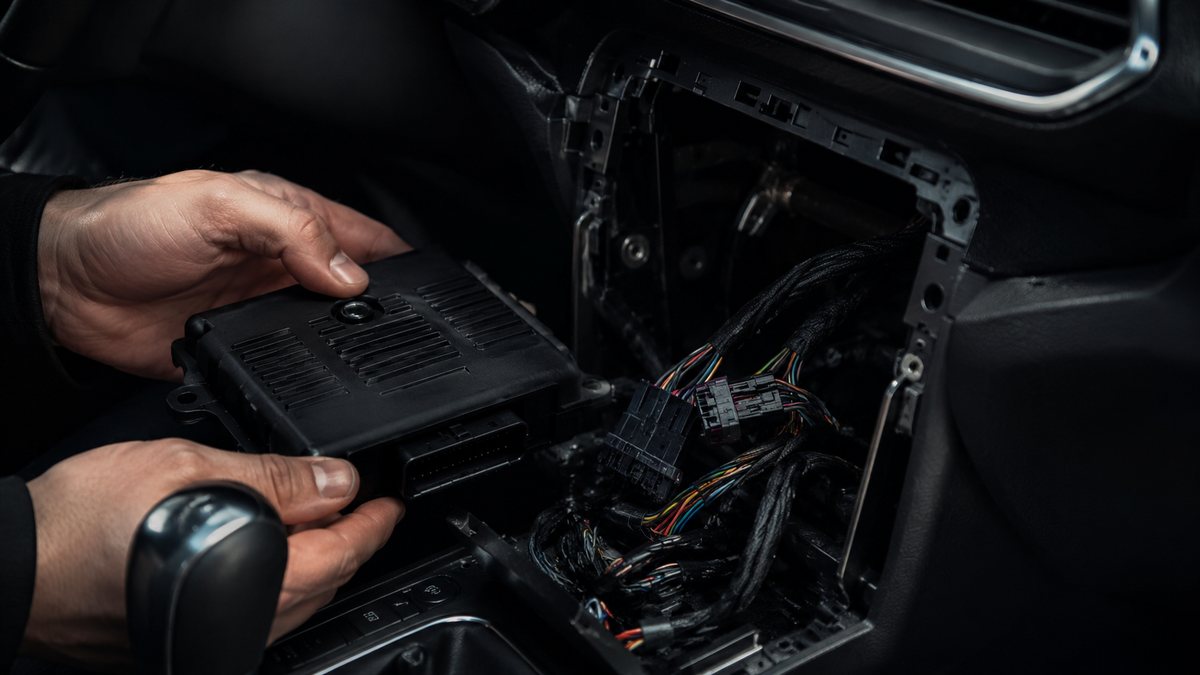
Activar entrada AUX-IN tras reequipamiento en Audi A4 B6 (8E)
to activate the AUX-IN input. After installing the jack plug on the car radio connector or a Bluetooth kit (RNS-E or Generation II+ Concert, Chorus and Symphony), you can select AUX-IN in Source. For a BT module, if you have the AMI option, deactivate it. (Retrofit)
Guía de codificación para Activar entrada AUX-IN tras reequipamiento en Audi A4 B6 (8E). Compatible con VCDS / VAG-COM · OBDeleven (cuando la propia ficha lo indica). La ruta manual mostrada está documentada con VCDS / VAG-COM. Consulta el módulo, el tipo de codificación, el canal o Byte/Bit y los valores necesarios antes de realizar el cambio.
| Estado | 🟠 Depende de centralita/software |
|---|---|
| Módulo | 37 - Navigation |
| Tipo | Procedure |
| Herramientas compatibles | VCDS / VAG-COM · OBDeleven (cuando la propia ficha lo indica) |
| Procedimiento documentado con | VCDS / VAG-COM |
Operaciones técnicas
| Operación | Módulo | Tipo | Canal / Byte-Bit | Original | Valor |
|---|---|---|---|---|---|
| Operación 1 | 37 - Navigation | Procedure | 1 – Engine off, ignition off, connect your official VAG-COM VCDS cable to the computer, then plug the other end into your vehicle’s diagnostics socket. 2 – Switch on the ignition and run the VCDS program. Line 1 (For RNS-E !) : 3 – Click on “Select” then click | then click on “56 – Radio |
Vehículos compatibles
- Audi A4 B6 (8E) · 2000–2004
Procedimiento manual documentado con VCDS / VAG-COM
- 1 – Engine off, ignition off, connect your official VAG-COM VCDS cable to the computer, then plug the other end into your vehicle’s diagnostics socket.
- 2 – Switch on the ignition and run the VCDS program. Line 1 (For RNS-E !) :
- 3 – Click on “Select” then click on “
- 37 – Navigation ” .
- 4 – Click on “Codage- 07 ”.
- 5 – Modify the penultimate digit by adding 4 (e.g. replace xxxxx1x with xxxxx5x ). Line 2 (For Generation II+ Concert, Chorus and Symphony ) :
- 3 – Click on ” Select ” then click on “
- 56 – Radio ” .
- 4 – Click on “Codage- 07 “.
- 5 – Modify the second digit by adding +4 (0 ? x0xxx): +1 = Analog input (AUX) +2 = Multifunction steering wheel +4 = Telephone
Observaciones
Procedimiento extraído del volcado local completo de VAG-Coding. Conservar las condiciones, variantes de hardware/SFD y alternativas descritas en los pasos de la fuente.