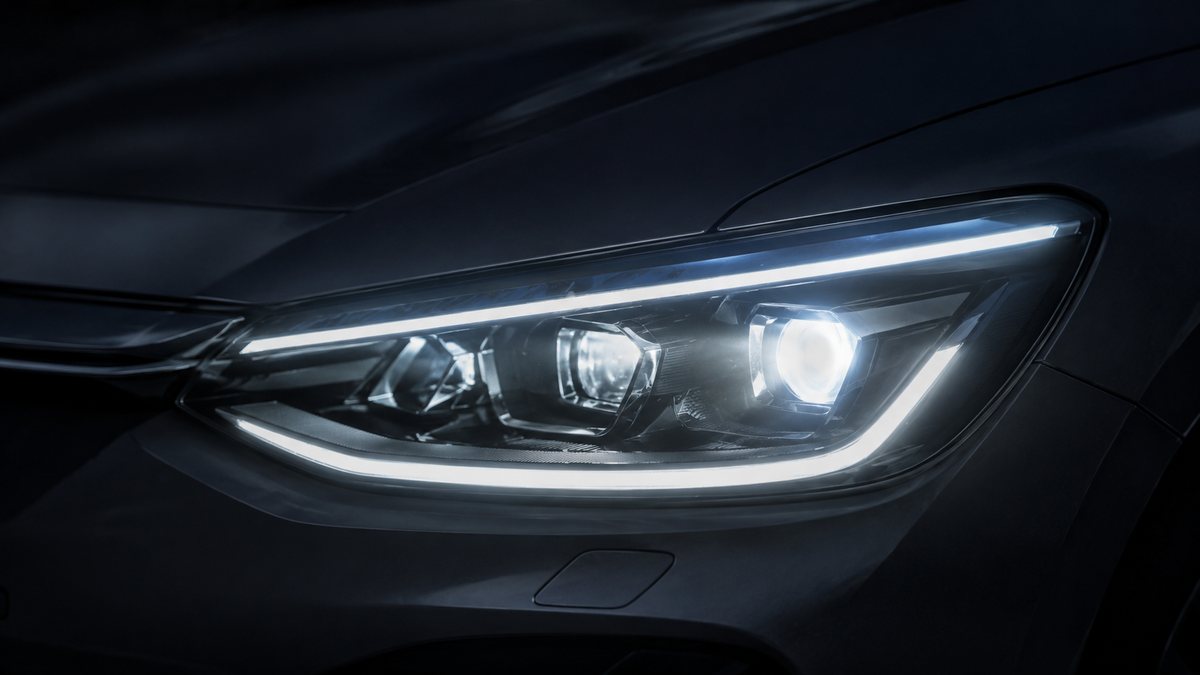
Activar luces de giro en Audi A3 8P (8P)
When the cornering lights are activated, the fog lights come on on the side where the steering wheel is turned at speeds under 50 km/h. This function is also known as cornering. Once this function has been activated on your Audi A3, the fog lamp on the side of the bend you’re turning into will light up! Super handy for small roads and roundabouts.
Guía de codificación para Activar luces de giro en Audi A3 8P (8P). Compatible con VCDS / VAG-COM. La ruta manual mostrada está documentada con VCDS / VAG-COM. Consulta el módulo, el tipo de codificación, el canal o Byte/Bit y los valores necesarios antes de realizar el cambio.
¿Qué hace esta codificación?
When the cornering lights are activated, the fog lights come on on the side where the steering wheel is turned at speeds under 50 km/h. This function is also known as cornering. Once this function has been activated on your Audi A3, the fog lamp on the side of the bend you’re turning into will light up! Super handy for small roads and roundabouts.
| Estado | 🟡 Compatible según usuarios |
|---|---|
| Módulo | 09 - Central eléctrica |
| Tipo | Long Coding |
| Herramientas compatibles | VCDS / VAG-COM |
| Procedimiento documentado con | VCDS / VAG-COM |
Operaciones técnicas
| Operación | Módulo | Tipo | Canal / Byte-Bit | Original | Valor |
|---|---|---|---|---|---|
| Operación 1 | 09 - Central eléctrica | Long Coding | Byte 14 → Bit 7 | Codificación larga original; guardar copia antes de modificar | Activado |
Vehículos compatibles
- Audi A3 8P (8P) · 2003–2013
Procedimiento manual documentado con VCDS / VAG-COM
- Con el motor apagado y el contacto quitado, conecta el cable VCDS al ordenador y después conecta el otro extremo a la toma de diagnosis del vehículo.
- Switch on the ignition then run the VCDS program. Bloque 1:
- Pulsa «Select» después pulsa «09 – Cent. Elect.». Da el contacto y abre VCDS.
- Pulsa «Coding 07».
- Selecciona el «0» module and Pulsa «Long Coding Helper»:
- In the window that appears, Selecciona el Byte 14: Bit 7: Check «Cornering Lights via Front Fog Lights active».
- After this operation, Pulsa the «Output» menu Then validate «OK».
Observaciones
Procedimiento contrastado con la ficha específica de esta generación. Guarda un Auto-Scan y anota el valor original antes de modificar.