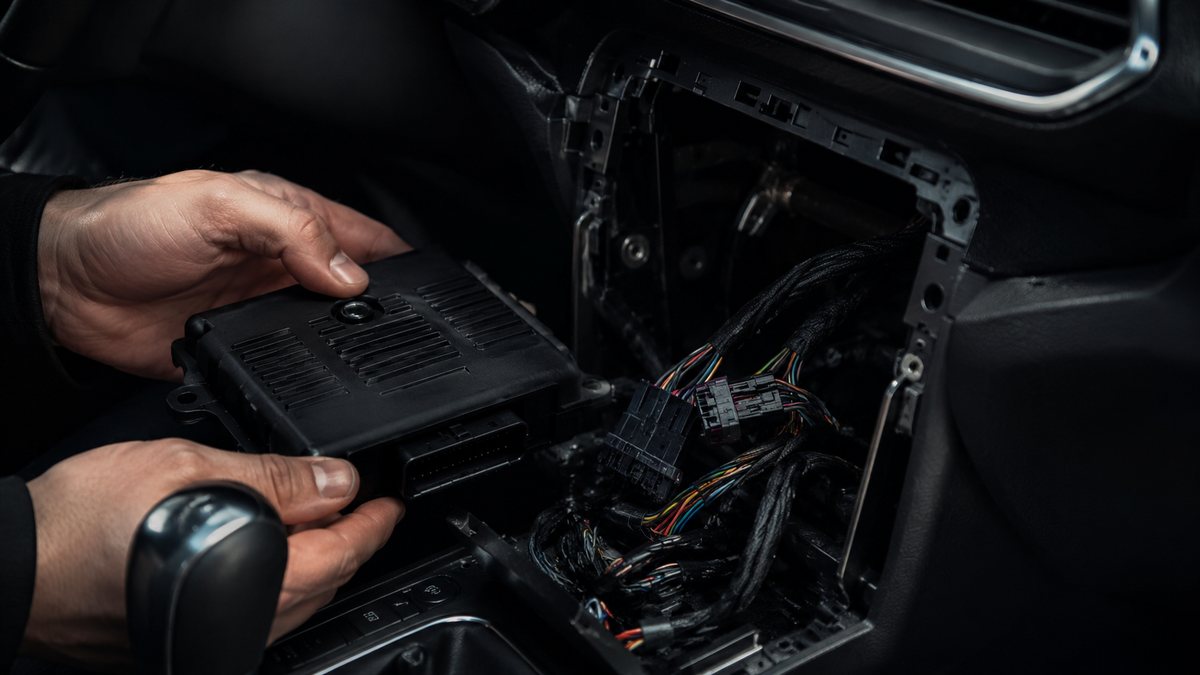
Activar Auto Hold tras reequipamiento en Audi Q3 I (8U)
to activate Audi Auto-Hold Assist (retrofit). Keeps the vehicle stationary on slopes and downhill gradients for as long as required. If the vehicle remains stationary for a long time, the system automatically switches to electromechanical braking. Part 8U0-927-225-E (former version 8U0-927-225-C) must be ordered and installed before coding. Before activation with VCDS, stop the vehicle on level ground and disengage the electric handbrake
Guía de codificación para Activar Auto Hold tras reequipamiento en Audi Q3 I (8U). Compatible con VCDS / VAG-COM · OBDeleven (cuando la propia ficha lo indica). La ruta manual mostrada está documentada con VCDS / VAG-COM. Consulta el módulo, el tipo de codificación, el canal o Byte/Bit y los valores necesarios antes de realizar el cambio.
¿Qué hace esta codificación?
to activate Audi Auto-Hold Assist (retrofit). Keeps the vehicle stationary on slopes and downhill gradients for as long as required. If the vehicle remains stationary for a long time, the system automatically switches to electromechanical braking. Part 8U0-927-225-E (former version 8U0-927-225-C) must be ordered and installed before coding. Before activation with VCDS, stop the vehicle on level ground and disengage the electric handbrake
| Estado | 🟠 Depende de centralita/software |
|---|---|
| Módulo | 53 - Parking Brake |
| Tipo | Long Coding |
| Herramientas compatibles | VCDS / VAG-COM · OBDeleven (cuando la propia ficha lo indica) |
| Procedimiento documentado con | VCDS / VAG-COM |
Operaciones técnicas
| Operación | Módulo | Tipo | Canal / Byte-Bit | Original | Valor |
|---|---|---|---|---|---|
| Operación 1 | 53 - Parking Brake | Long Coding | | xxxxxx6 by xxxxxx7 |
Vehículos compatibles
- Audi Q3 I (8U) · 2011–2018
Procedimiento manual documentado con VCDS / VAG-COM
- Con el motor apagado y el contacto quitado, conecta el cable VCDS al ordenador y después conecta el otro extremo a la toma de diagnosis del vehículo.
- Da el contacto y abre VCDS. Bloque 1:
- Pulsa «Select» después pulsa «53 – Parking Brake».
- Pulsa «Codage- 07» y después pulsa «Long Coding Helper».
- Replace value : xxxxxx6 by xxxxxx7
Observaciones
Conservar las condiciones, variantes de hardware/SFD y alternativas descritas en los pasos de la fuente.