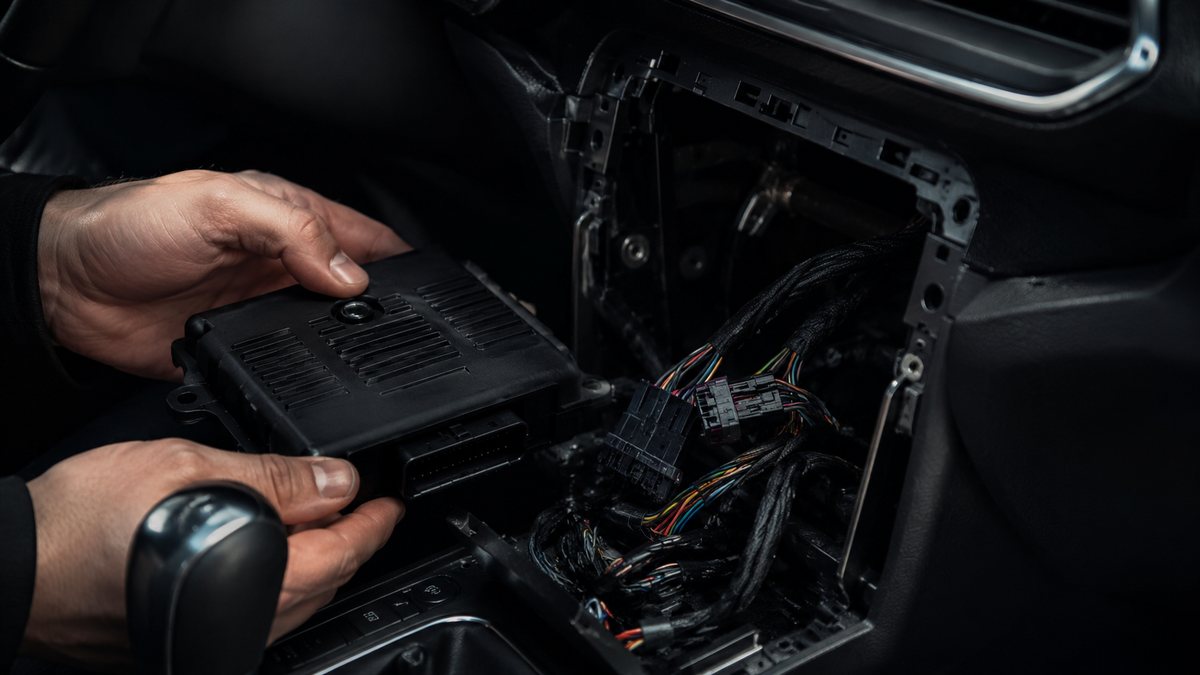
Activar AUX-IN tras reequipamiento en Audi TT III (8S/FV)
Guía de codificación para Activar AUX-IN tras reequipamiento en Audi TT III (8S/FV). Compatible con VCDS / VAG-COM · OBDeleven (cuando la propia ficha lo indica). La ruta manual mostrada está documentada con VCDS / VAG-COM. Consulta el módulo, el tipo de codificación, el canal o Byte/Bit y los valores necesarios antes de realizar el cambio.
¿Qué hace esta codificación?
to activate the AUX (Auxiliary) socket on the rear of the MMI MIB1, for retrofit installation of CarPlay / Android Auto / MP3 / BT box / AUX cable. You’ll also see “AUX” as an option in the multimedia menu on the central screen once you’ve completed the activation process. When installing a CarPlay and Android Auto box kit on your MMI, you may wish to enable the AUX pin on the head unit on some cars (normally cars equipped with the Audi AMI multimedia interface). Note: if you have the Audi AMI interface, you can also use an AMI-AUX adapter instead of activating AUX. This will work fine, but you’ll need to run a cable to the AMI input. Although it works correctly, this cable is not hidden.
| Estado | 🟠 Depende de centralita/software |
|---|---|
| Módulo | 5F - Electr. information |
| Tipo | Long Coding |
| Herramientas compatibles | VCDS / VAG-COM · OBDeleven (cuando la propia ficha lo indica) |
| Procedimiento documentado con | VCDS / VAG-COM |
| Security Access | 20103 |
Operaciones técnicas
| Operación | Módulo | Tipo | Canal / Byte-Bit | Original | Valor |
|---|---|---|---|---|---|
| Operación 1 | 5F - Electr. information | Long Coding | | byte «8 « Check bit «4 » AUX-IN [PR-UE3] to activate your MMI AUX output Uncheck AMI bit «5» [PR-UE7] if you’re using a Carplay box without an AMI adapter and y |
Vehículos compatibles
- Audi TT III (8S/FV) · 2014–2023
Procedimiento manual documentado con VCDS / VAG-COM
- Con el motor apagado y el contacto quitado, conecta el cable VCDS al ordenador y después conecta el otro extremo a la toma de diagnosis del vehículo.
- Da el contacto y abre VCDS. Bloque 1:
- Pulsa «Select» después pulsa «5F – Electr. information».
- Pulsa «Security Access – 16» e introduce el código «20103».
- Pulsa «Coding – 07» después pulsa «Long Coding Helper «.
- Selecciona el Byte «8 «activa el Bit «4» AUX-IN [PR-UE3] to activate your MMI AUX output Uncheck AMI bit «5» [PR-UE7] if you’re using a Carplay box without an AMI adapter and you have the original AMI plug.
Observaciones
Conservar las condiciones, variantes de hardware/SFD y alternativas descritas en los pasos de la fuente.