Activar cierre de ventanillas con un toque en Audi TT II (8J)
Guía de codificación para Activar cierre de ventanillas con un toque en Audi TT II (8J). Compatible con VCDS / VAG-COM · OBDeleven (cuando la propia ficha lo indica). La ruta manual mostrada está documentada con VCDS / VAG-COM. Consulta el módulo, el tipo de codificación, el canal o Byte/Bit y los valores necesarios antes de realizar el cambio.
¿Qué hace esta codificación?
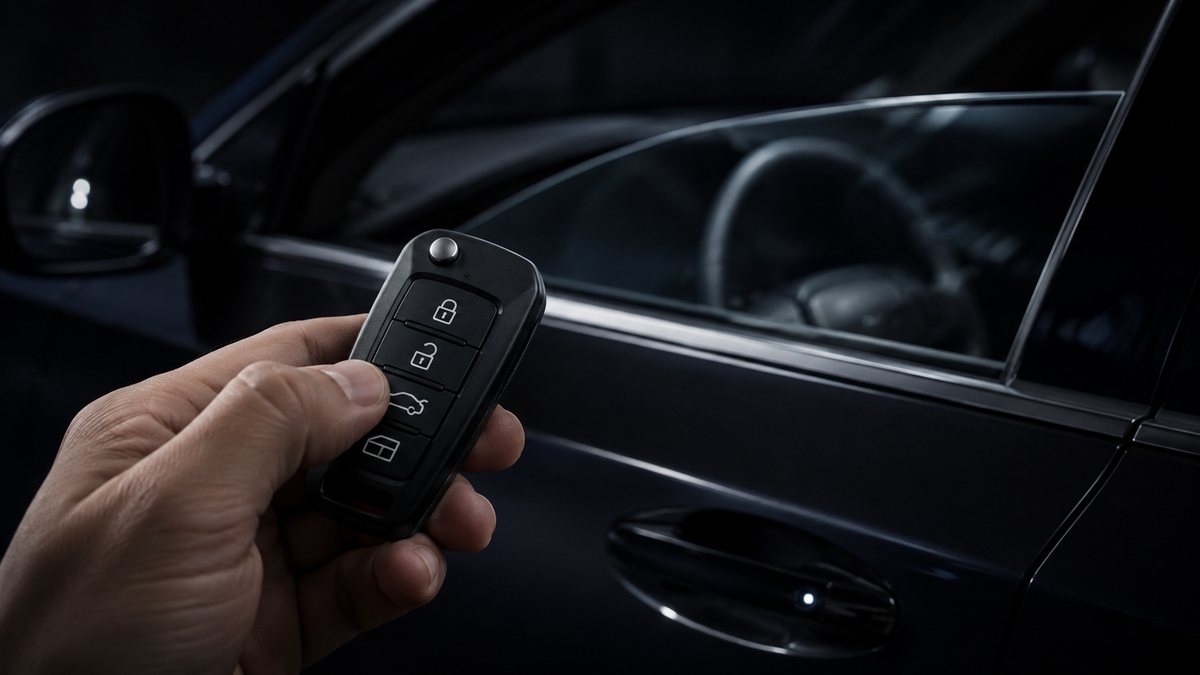
to activate closing and opening of the windows and sunroof with the remote control WITHOUT remaining pressed until the windows are completely closed.
💡
¿Es tu primera codificación? Consulta qué son un Byte, un Bit, Coding y Adaptation y dónde encontrarlos.
Antes de modificar: guarda o fotografía siempre el valor original. Una codificación incorrecta puede provocar fallos y algunas funciones dependen del hardware y versión de centralita.
| Estado | 🟠 Depende de centralita/software |
|---|---|
| Módulo | 46 - Central Conv |
| Tipo | Procedure |
| Herramientas compatibles | VCDS / VAG-COM · OBDeleven (cuando la propia ficha lo indica) |
| Procedimiento documentado con | VCDS / VAG-COM |
Operaciones técnicas
| Operación | Módulo | Tipo | Canal / Byte-Bit | Original | Valor |
|---|---|---|---|---|---|
| Operación 1 | 46 - Central Conv | Long Coding | Byte 6 → Bit 6 | Closing sunroof via remote control active» (sunroof) | |
| Operación 2 | 46 - Module Confort | Procedure | Byte 3 / Byte 4 / Byte 5 → Channel 17 | 1 Pressing the remote control’s close button for 3 seconds will first lock the doors and then close the windows, without having to keep the button pressed until |
Vehículos compatibles
- Audi TT II (8J) · 2006–2014
Procedimiento manual documentado con VCDS / VAG-COM
- Con el motor apagado y el contacto quitado, conecta el cable VCDS al ordenador y después conecta el otro extremo a la toma de diagnosis del vehículo.
- Da el contacto y abre VCDS. Bloque 1:
- Pulsa «Select», después pulsa «46 – Central Conv».
- Pulsa «Coding 07» y después pulsa «Long Coding Helper»
- Byte 6: Bit 6 : Check “Comfort Function automatic Closing”. Uncheck “Comfort function power windows/sunroof via remote control inactive”. Check “Comfort opening power windows via remote control active”. Check “Comfort closing power windows via remote control active”. Check “Closing sunroof via remote control active” (sunroof) Line 2:
- Module Confort ”.
- Pulsa «Adaptation – 10». Channel 17 (Comfort function) Set value to 1 Pressing the remote control’s close button for 3 seconds will first lock the doors and then close the windows, without having to keep the button pressed until they are fully closed. If you don’t have this box on your calculator, put this: module 46, long coding and on the: Byte 03: 40 Byte 04: 3F Byte 05: 3F
Observaciones
Conservar las condiciones, variantes de hardware/SFD y alternativas descritas en los pasos de la fuente.