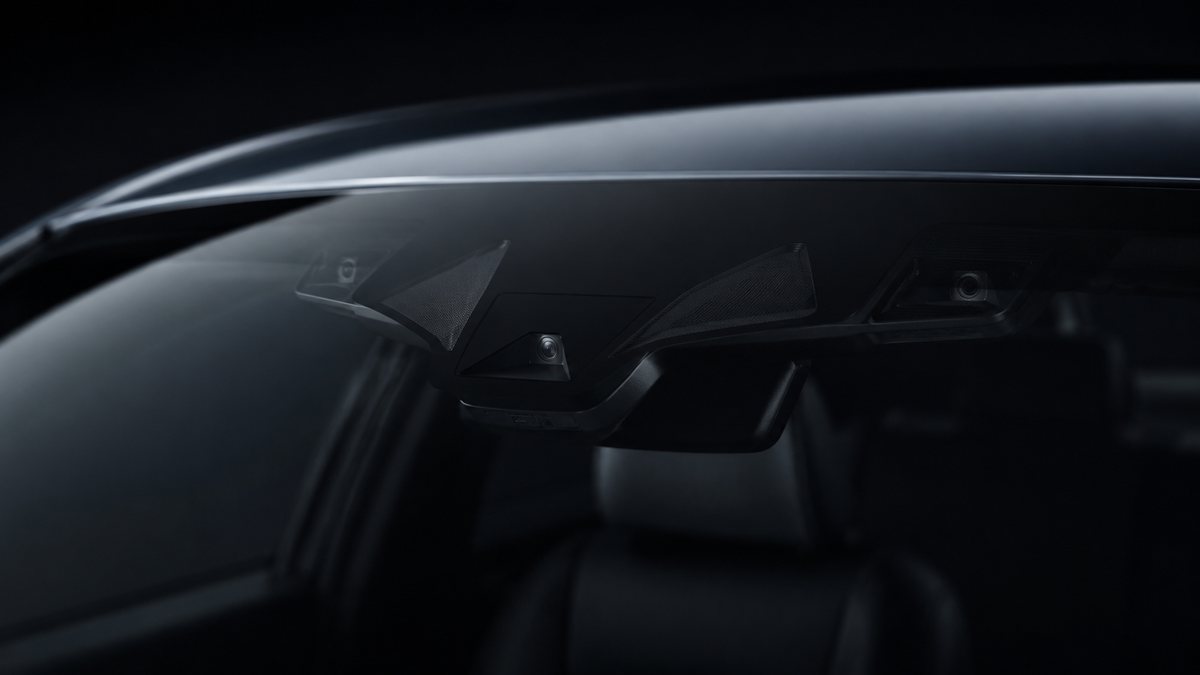
Activar Audi Lane Assist en Audi Q7 II (4M)
Activa Audi Lane Assist (on vehicles equipped with Pre-Sense). Active Lane Assist can only be programmed to «always on» if a steering column switch has not been retrofitted. Deactivation via the MMI is not possible in this case. If you want to deactivate it, you must recode the activation status. Note: The system can be deactivated while driving by pressing the ESC (ESP) button. However, as soon as you activate cruise control, the lane departure
Guía de codificación para Activar Audi Lane Assist en Audi Q7 II (4M). Compatible con VCDS / VAG-COM · OBDeleven (cuando la propia ficha lo indica). La ruta manual mostrada está documentada con VCDS / VAG-COM. Consulta el módulo, el tipo de codificación, el canal o Byte/Bit y los valores necesarios antes de realizar el cambio.
¿Qué hace esta codificación?
Activa Audi Lane Assist (on vehicles equipped with Pre-Sense). Active Lane Assist can only be programmed to «always on» if a steering column switch has not been retrofitted. Deactivation via the MMI is not possible in this case. If you want to deactivate it, you must recode the activation status. Note: The system can be deactivated while driving by pressing the ESC (ESP) button. However, as soon as you activate cruise control, the lane departure
| Estado | 🟠 Depende de centralita/software |
|---|---|
| Módulo | A5 - Front-Wheel Drive |
| Tipo | Procedure |
| Herramientas compatibles | VCDS / VAG-COM · OBDeleven (cuando la propia ficha lo indica) |
| Procedimiento documentado con | VCDS / VAG-COM |
| Security Access | 20103 |
Operaciones técnicas
| Operación | Módulo | Tipo | Canal / Byte-Bit | Original | Valor |
|---|---|---|---|---|---|
| Operación 1 | A5 - Front-Wheel Drive | Long Coding | | bit « 7 » «HC | |
| Operación 2 | 09 - Central Electric | Long Coding | | byte « 35 « Then check bit « 0 » «heading_control_config,0=no_heading_control / 1=heading_control | |
| Operación 3 | 17 - Instrument | Long Coding | | byte « 4 « Then check bit « 6 » (Lane Change Wizard) This must only be activated if you have Audi Side Assist : Select byte « 5 « Then check bit « 3 « | |
| Operación 4 | 44 - Management Assistance | Procedure | Byte 2 · Bit 7 | Heading Control Assistant» channel > Active Or 4 – Click « Coding – 07 «: Byte 2 , set bit 7 to «heading_control_assistant | |
| Operación 5 | 5F - Electronics Information | Adaptation | Line 5: 3 – Click “ Select ,” then click “5F – Electronics Information.” 4 – Click on “Security Access – 16 ” then enter the code “20103 “. 5 – Click on “ Adaptation – 10 “ 6 – Select the channels: Car_Function_Adaptations_Gen2 > menu_display_Lane_Departure_Wa | channels: Car_Function_Adaptations_Gen2 > menu_display_Lane_Departure_Warning > Enabled Car_Function_Adaptations_Gen2 > menu_display_Lane_Departure_Warning_abov | |
| Operación 6 | A5 - Forward Sens. Drive | Procedure | Line 6: 3 – Click on ” Select” , then click on “Select”. A5 – Forward Sens. Drive ” . 4 – Click on “Security Access – 16 ” then enter the code “20103 “. 5 – Click on “ Adaptation – 10 “ 6 – Select the channels: BAP Customization BAP > not enabled Customizing t | Active Lane Assist» bit IMPORTANT INFORMATION: If, after activating Lane Assist, you receive «steering» and/or «data bus» errors along with a «Lane Assist unava |
Vehículos compatibles
- Audi Q7 II (4M) · 2015–actualidad
Procedimiento manual documentado con VCDS / VAG-COM
- Con el motor apagado y el contacto quitado, conecta el cable VCDS al ordenador y después conecta el otro extremo a la toma de diagnosis del vehículo.
- Da el contacto y abre VCDS. Bloque 1:
- Pulsa» Select», después pulsa «Select». A5 – Front-Wheel Drive, Driver Assistance».
- Pulsa «Coding – 07,» después pulsa «Long Coding Helper.»
- Selecciona el Byte «12 «y activa el Bit «3» «EFP» y/o el Bit «5» «APS»
- Selecciona el Byte «16 «. y activa el Bit «7» «HC». Bloque 2:
- Pulsa «Select,» then Pulsa «09 – Central Electric.»
- Pulsa «Encoding – 07,» después pulsa «Long Coding Helper.»
- Selecciona el Byte «35 «y activa el Bit «0» «heading_control_config,0=no_heading_control / 1=heading_control» Bloque 3:
- Pulsa «Select,» then Pulsa «17 – Instrument.»
- Pulsa «Coding – 07,» then Pulsa «Long Coding Helper.»
- Selecciona el Byte «4 «y activa el Bit «6» (Lane Change Wizard) Esto solo debe activarse si el vehículo dispone de Audi Side Assist: Selecciona el Byte «5 «y activa el Bit «3 «Bloque 4:
- Pulsa «Select,» then Pulsa «44 – Management Assistance.»
- Pulsa «Adaptation – 10 «5 – Selecciona el «Heading Control Assistant» canal > Active. O bien
- Click “ Coding – 07 “: Byte 2 , set bit 7 to “heading_control_assistant” Line 5:
- Pulsa «Select,» then Pulsa «5F – Electronics Information.»
- Pulsa «Security Access – 16» e introduce el código «20103 «.
- Pulsa «Adaptation – 10 «6 – Selecciona el channels: Car_Function_Adaptations_Gen2 > menu_display_Lane_Departure_Warning > Enabled Car_Function_Adaptations_Gen2 > menu_display_Lane_Departure_Warning_above_high_threshold > Enabled Car_Function_List_BAP_Gen2 > LDW_HCA_0x19 > Enabled Car_Function_List_BAP_Gen2 > LDW_HCA_0x19_msg_bus > Terminal 15 Bloque 6:
- Pulsa» Select», después pulsa «Select». A5 – Forward Sens. Drive».
- Selecciona el channels: BAP Customization BAP > not enabled Customizing the Lane Departure Alert on Terminal 15 > Final adjustment Lane Departure Warning System Mode (Analog) > Menu selection Lane Departure Warning System Activation Status > ON (without a steering column switch installed) (This activates the entire system, and without a steering column switch, it can only be deactivated using that switch. If you install the switch at a later date, this channel must be configured in the menu.) Reinicia el MMI. Bloque 7 (opcional):
- Head-Up Display .”
- Activa el bit «Active Lane Assist» INFORMACIÓN IMPORTANTE: If, after activating Lane Assist, you receive «steering» and/or «data bus» errors along with a «Lane Assist unavailable» message on the MMI screen, perform an «AutoScan» and clear all diagnostic trouble codes (DTCs) for the entire vehicle. Wait a few moments beyond the two-second time required to clear the codes, then exit VCDS. Turn off the ignition, exit the vehicle, and lock it for at least 6 minutes. Follow this procedure exactly.
Observaciones
Conservar las condiciones, variantes de hardware/SFD y alternativas descritas en los pasos de la fuente.