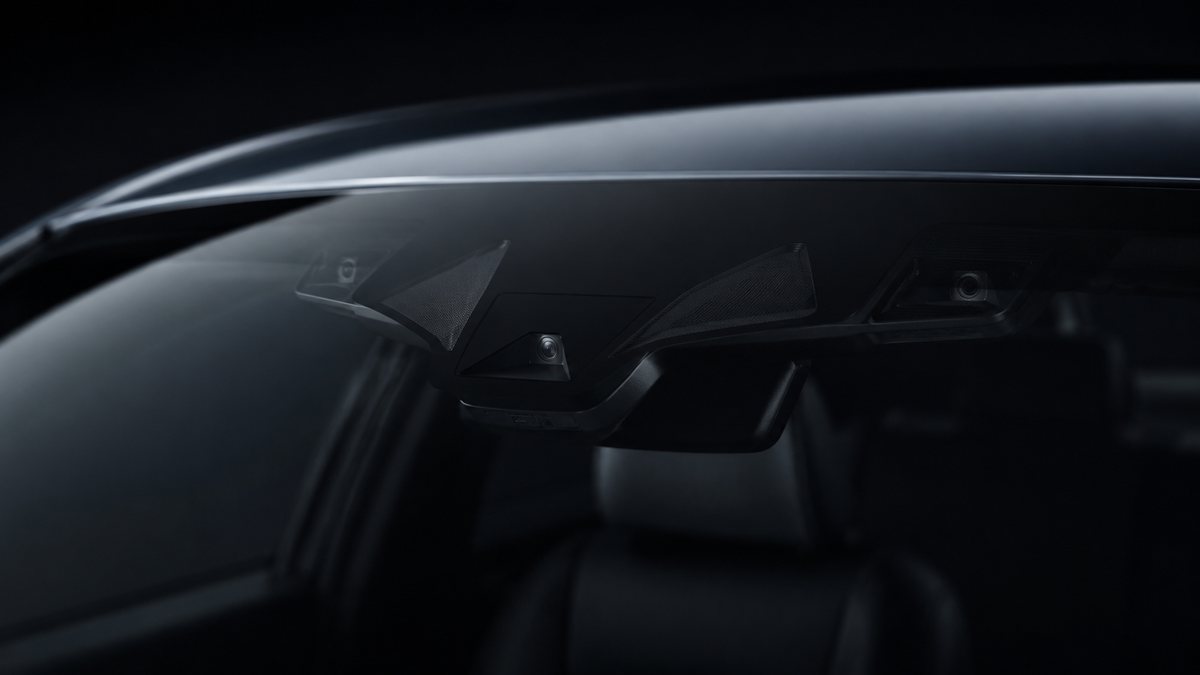
Activar Audi Lane Assist en Audi A7 II (4K)
Guía de codificación para Activar Audi Lane Assist en Audi A7 II (4K). Compatible con VCDS / VAG-COM · OBDeleven (cuando la propia ficha lo indica). La ruta manual mostrada está documentada con VCDS / VAG-COM. Consulta el módulo, el tipo de codificación, el canal o Byte/Bit y los valores necesarios antes de realizar el cambio.
¿Qué hace esta codificación?
Activa Audi Lane Assist (on vehicles equipped with Pre-Sense). Active Lane Assist can only be programmed to «always on» if a steering column switch has not been retrofitted. Deactivation via the MMI is not possible in this case. If you want to deactivate it, you must recode the activation status. Note: The system can be deactivated while driving by pressing the ESC (ESP) button. However, as soon as you activate cruise control, the lane departure
| Estado | 🟠 Depende de centralita/software |
|---|---|
| Módulo | A5 - Front-Wheel Drive |
| Tipo | Procedure |
| Herramientas compatibles | VCDS / VAG-COM · OBDeleven (cuando la propia ficha lo indica) |
| Procedimiento documentado con | VCDS / VAG-COM |
| Security Access | 20103 |
Operaciones técnicas
| Operación | Módulo | Tipo | Canal / Byte-Bit | Original | Valor |
|---|---|---|---|---|---|
| Operación 1 | A5 - Front-Wheel Drive | Long Coding | | bit « 7 » «HC | |
| Operación 2 | 09 - Central Electric | Long Coding | | byte « 35 « Then check bit « 0 » «heading_control_config,0=no_heading_control / 1=heading_control | |
| Operación 3 | 17 - Instrument | Long Coding | | byte « 4 « Then check bit « 6 » (Lane Change Wizard) This must only be activated if you have Audi Side Assist : Select byte « 5 « Then check bit « 3 « | |
| Operación 4 | 44 - Management Assistance | Procedure | Byte 2 · Bit 7 | Heading Control Assistant» channel > Active Or 4 – Click « Coding – 07 «: Byte 2 , set bit 7 to «heading_control_assistant | |
| Operación 5 | 5F - Electronics Information | Adaptation | Line 5: 3 – Click “ Select ,” then click “5F – Electronics Information.” 4 – Click on “Security Access – 16 ” then enter the code “20103 “. 5 – Click on “ Adaptation – 10 “ 6 – Select the channels: Car_Function_Adaptations_Gen2 > menu_display_Lane_Departure_Wa | channels: Car_Function_Adaptations_Gen2 > menu_display_Lane_Departure_Warning > Enabled Car_Function_Adaptations_Gen2 > menu_display_Lane_Departure_Warning_abov | |
| Operación 6 | A5 - Forward Sens. Drive | Procedure | Line 6: 3 – Click on ” Select” , then click on “Select”. A5 – Forward Sens. Drive ” . 4 – Click on “Security Access – 16 ” then enter the code “20103 “. 5 – Click on “ Adaptation – 10 “ 6 – Select the channels: BAP Customization BAP > not enabled Customizing t | Active Lane Assist» bit IMPORTANT INFORMATION: If, after activating Lane Assist, you receive «steering» and/or «data bus» errors along with a «Lane Assist unava |
Vehículos compatibles
- Audi A7 II (4K) · 2018–2025
Procedimiento manual documentado con VCDS / VAG-COM
- Con el motor apagado y el contacto quitado, conecta el cable VCDS al ordenador y después conecta el otro extremo a la toma de diagnosis del vehículo.
- Da el contacto y abre VCDS. Bloque 1:
- Pulsa» Select», después pulsa «Select». A5 – Front-Wheel Drive, Driver Assistance».
- Pulsa «Coding – 07,» después pulsa «Long Coding Helper.»
- Selecciona el Byte «12 «y activa el Bit «3» «EFP» y/o el Bit «5» «APS»
- Selecciona el Byte «16 «. y activa el Bit «7» «HC». Bloque 2:
- Pulsa «Select,» then Pulsa «09 – Central Electric.»
- Pulsa «Encoding – 07,» después pulsa «Long Coding Helper.»
- Selecciona el Byte «35 «y activa el Bit «0» «heading_control_config,0=no_heading_control / 1=heading_control» Bloque 3:
- Pulsa «Select,» then Pulsa «17 – Instrument.»
- Pulsa «Coding – 07,» then Pulsa «Long Coding Helper.»
- Selecciona el Byte «4 «y activa el Bit «6» (Lane Change Wizard) Esto solo debe activarse si el vehículo dispone de Audi Side Assist: Selecciona el Byte «5 «y activa el Bit «3 «Bloque 4:
- Pulsa «Select,» then Pulsa «44 – Management Assistance.»
- Pulsa «Adaptation – 10 «5 – Selecciona el «Heading Control Assistant» canal > Active. O bien
- Click “ Coding – 07 “: Byte 2 , set bit 7 to “heading_control_assistant” Line 5:
- Pulsa «Select,» then Pulsa «5F – Electronics Information.»
- Pulsa «Security Access – 16» e introduce el código «20103 «.
- Pulsa «Adaptation – 10 «6 – Selecciona el channels: Car_Function_Adaptations_Gen2 > menu_display_Lane_Departure_Warning > Enabled Car_Function_Adaptations_Gen2 > menu_display_Lane_Departure_Warning_above_high_threshold > Enabled Car_Function_List_BAP_Gen2 > LDW_HCA_0x19 > Enabled Car_Function_List_BAP_Gen2 > LDW_HCA_0x19_msg_bus > Terminal 15 Bloque 6:
- Pulsa» Select», después pulsa «Select». A5 – Forward Sens. Drive».
- Selecciona el channels: BAP Customization BAP > not enabled Customizing the Lane Departure Alert on Terminal 15 > Final adjustment Lane Departure Warning System Mode (Analog) > Menu selection Lane Departure Warning System Activation Status > ON (without a steering column switch installed) (This activates the entire system, and without a steering column switch, it can only be deactivated using that switch. If you install the switch at a later date, this channel must be configured in the menu.) Reinicia el MMI. Bloque 7 (opcional):
- Head-Up Display .”
- Activa el bit «Active Lane Assist» INFORMACIÓN IMPORTANTE: If, after activating Lane Assist, you receive «steering» and/or «data bus» errors along with a «Lane Assist unavailable» message on the MMI screen, perform an «AutoScan» and clear all diagnostic trouble codes (DTCs) for the entire vehicle. Wait a few moments beyond the two-second time required to clear the codes, then exit VCDS. Turn off the ignition, exit the vehicle, and lock it for at least 6 minutes. Follow this procedure exactly.
Observaciones
Conservar las condiciones, variantes de hardware/SFD y alternativas descritas en los pasos de la fuente.