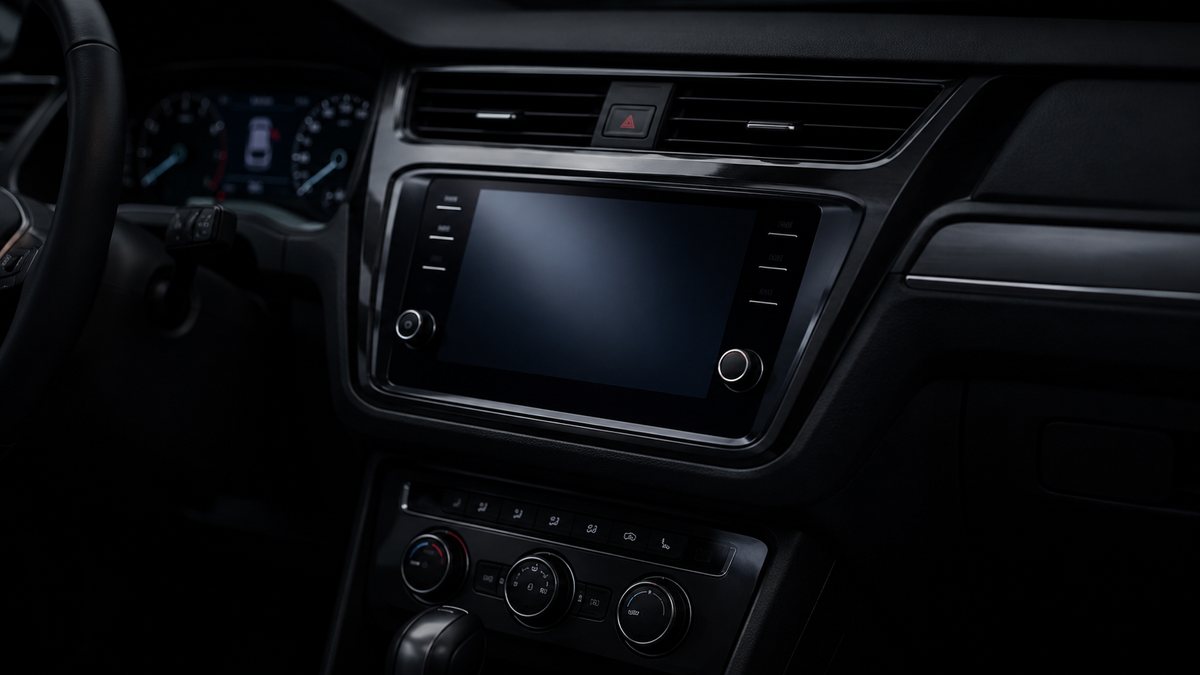
Activar RS Monitor en el MMI en Audi A3 8Y (8Y)
to activate the RS Monitor on the MMI (MIB3). The RS monitor replaces the “Vehicle details” tab, but contains the same “Tilt angle display” as the first page.
Guía de codificación para Activar RS Monitor en el MMI en Audi A3 8Y (8Y). Compatible con VCDS / VAG-COM · OBDeleven (cuando la propia ficha lo indica). La ruta manual mostrada está documentada con VCDS / VAG-COM. Consulta el módulo, el tipo de codificación, el canal o Byte/Bit y los valores necesarios antes de realizar el cambio.
¿Qué hace esta codificación?
to activate the RS Monitor on the MMI (MIB3). The RS monitor replaces the “Vehicle details” tab, but contains the same “Tilt angle display” as the first page.
| Estado | 🟠 Depende de centralita/software |
|---|---|
| Módulo | 5F - Electr. information |
| Tipo | Long Coding |
| Herramientas compatibles | VCDS / VAG-COM · OBDeleven (cuando la propia ficha lo indica) |
| Procedimiento documentado con | VCDS / VAG-COM |
Operaciones técnicas
| Operación | Módulo | Tipo | Canal / Byte-Bit | Original | Valor |
|---|---|---|---|---|---|
| Operación 1 | 5F - Electr. information | Long Coding | | Byte 05 Bit 0 on Bit 1 off Before applying the coding, check the «soft reset» box in the menu |
Vehículos compatibles
- Audi A3 8Y (8Y) · 2020–actualidad
Procedimiento manual documentado con VCDS / VAG-COM
- Con el motor apagado y el contacto quitado, conecta el cable VCDS al ordenador y después conecta el otro extremo a la toma de diagnosis del vehículo.
- Da el contacto y abre VCDS. Bloque 1:
- Pulsa «Select» después pulsa «5F – Electr. information».
- Pulsa «Coding – 07».
- Pulsa «Long Coding Helper».
- Selecciona el Byte 05 Bit 0 activado Bit 1 desactivado Antes de aplicar la codificación, marca la casilla «soft reset» del menú.
Observaciones
Conservar las condiciones, variantes de hardware/SFD y alternativas descritas en los pasos de la fuente.